A closer look at the follow-through.
How Spunto catches a thought, reads it, and makes sure it doesn’t go nowhere, on every Apple device you own.
Faster than finding a pen.
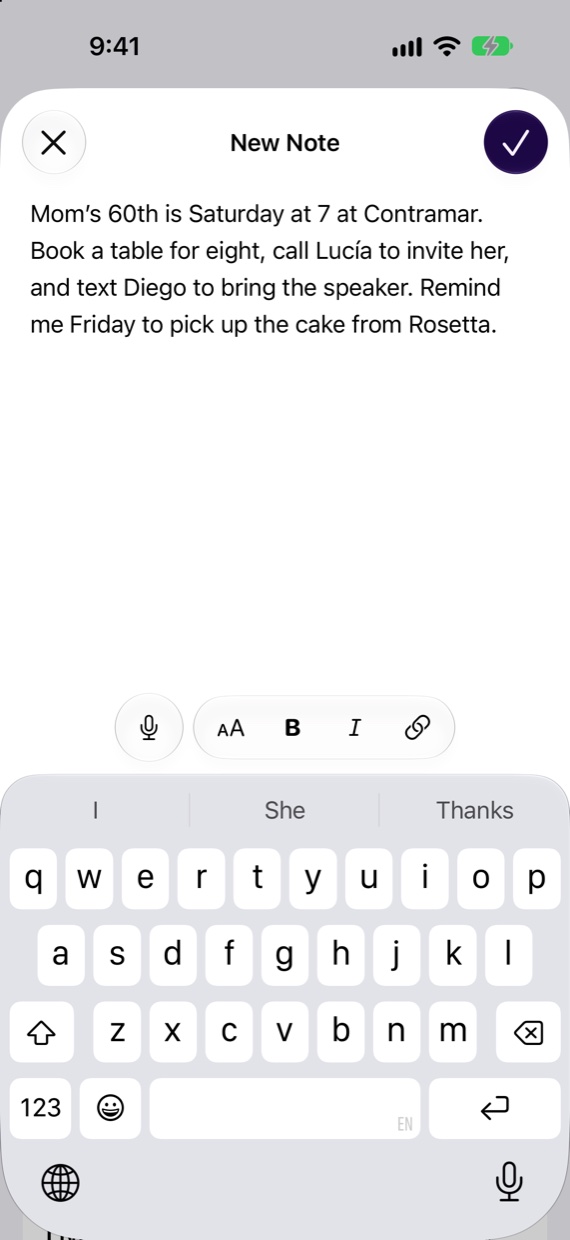
The composer is one field and a Save button. Everything else happens after you’ve moved on.
- Say it instead.Dictated words ink in as you speak, transcribed on your device. Press the Action button and a note is saved without opening the app.
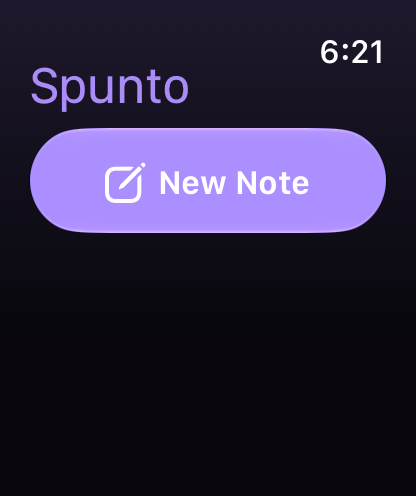
- From anywhere you are.Control Center, the Lock Screen, a widget, the Mac menu bar, the share sheet, Services on the Mac, or your wrist.
- Finish it on another device.Start on your iPhone, pick it up on your Mac with Handoff. The draft comes along.
- Where you were, if you like.Spunto can note the place a thought came to you. Location stays on your device.
Suggestions, never surprises.
Apple Intelligence reads each note once: who it’s about, where, when, and what you meant to do. What it proposes waits for you.
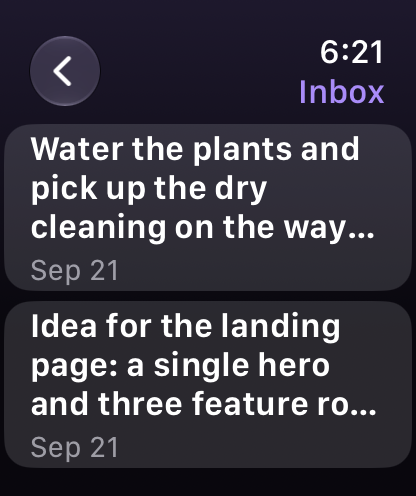
- An Inbox that empties itself.It lists only the notes with something left to decide, and disappears when there’s nothing.
- Tap to keep, then you’re done.Mark the suggestions worth keeping and choose Keep. Dismiss All clears the rest. The note itself stays in your Library.
- Adjust before it goes.Change the time, the place or who it’s for. Reminders and events land on the list and calendar you picked.
- Patient on older devices.On a device without Apple Intelligence, notes are saved untouched and read the moment one of your devices that has it opens Spunto.


Sixteen ways to follow through.
A suggestion is only a suggestion until you keep it. Then it goes to the app that owns it, or waits in Actions for the moment you’re ready.
Done means done.
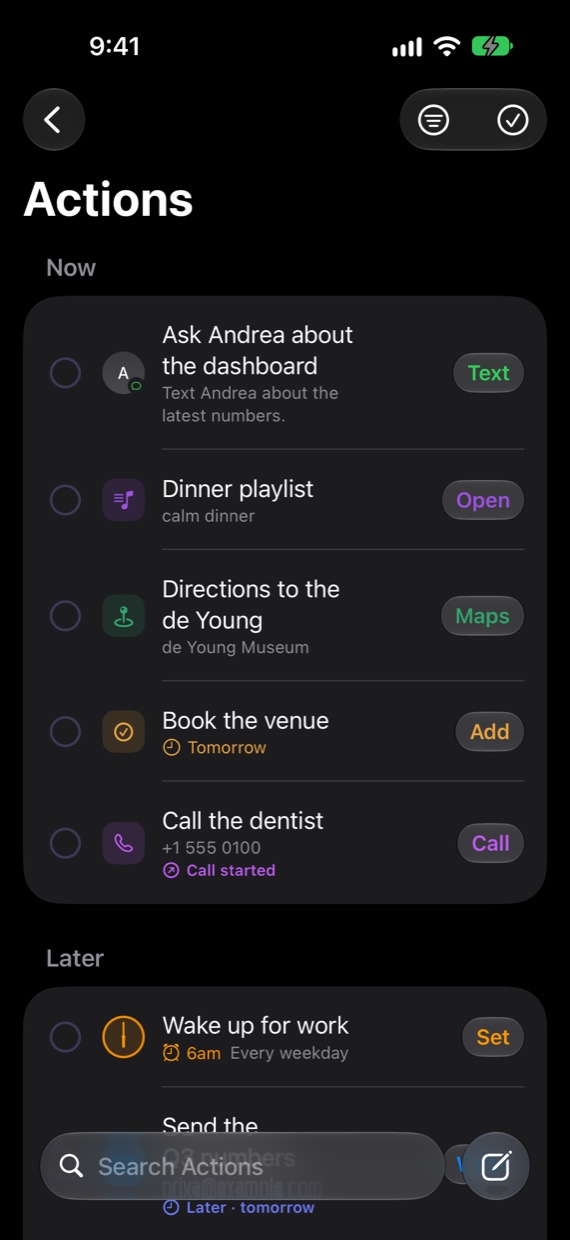
Actions is the short list of things you decided to do. It never fills up with things you didn’t.
- Now and Later.Today’s actions first. Anything with a time ahead waits under Later, soonest first.
- Honest about progress.Starting a call or a draft marks it Started, not Done. You say when it actually happened.
- Next Up, everywhere.Widgets on the Home Screen, Lock Screen, StandBy and the Mac desktop, with a Done button that works from the widget itself.
- Thirty days to change your mind.Deleted notes and actions wait in Recently Deleted before they’re gone.

A Library that writes its own index.
You never make a folder. Every note is filed under a topic and linked to who and what it mentions, and those links become pages you can read.

A page for everyone and everything
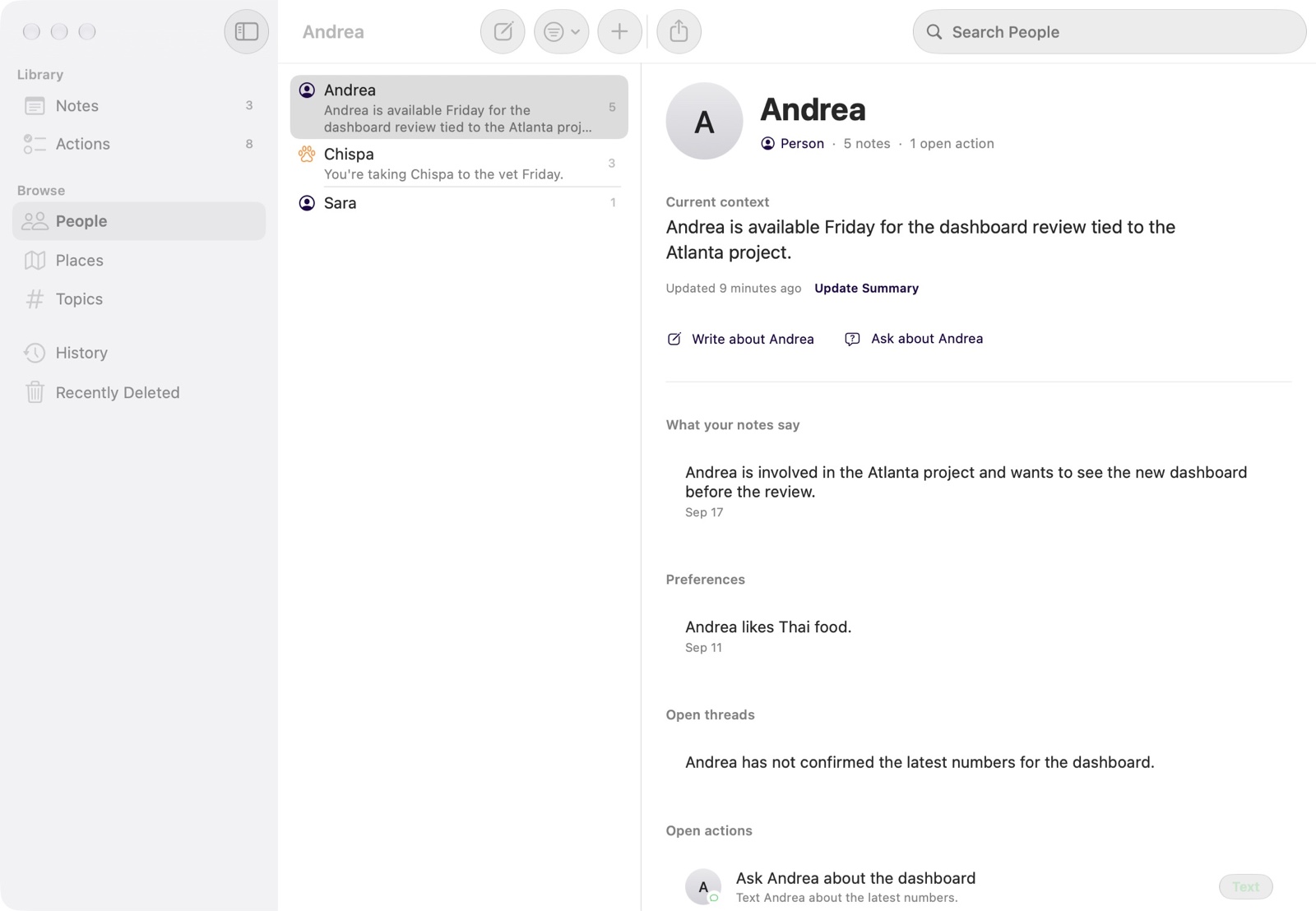
People, places, topics and things each get a page that leads with what matters now, then preferences, open threads and recent mentions. Every line links back to the note it came from.
Ask, and see where the answer came from
Ask the whole Library, or one page, a plain question. The answer is drawn only from your notes, with each source a tap away. Ask uses Apple’s Private Cloud Compute.
Worth another look
When something you write builds on an older note, that note comes back to you, beside the list on iPad and Mac or in the Resurface widget.
One idea, one note
When a new note continues an old one, Spunto offers to fold it in. Every edit is kept as a version, and Markdown export and full backups keep your words portable.
At home on every Apple device.
Not one app stretched across five screens. Each version follows the conventions of the device it runs on.
iPhone
One screen, one compose button, and a note saved before the thought gets away.
- Action button and Control Center record a note without opening the app.
- Widgets for Next Up, New Note and notes worth another look, on the Home Screen, Lock Screen and StandBy.
- Siri and CarPlay: ask what’s next and mark it done by voice.
- Moments turns Journaling Suggestions into notes.

iPad
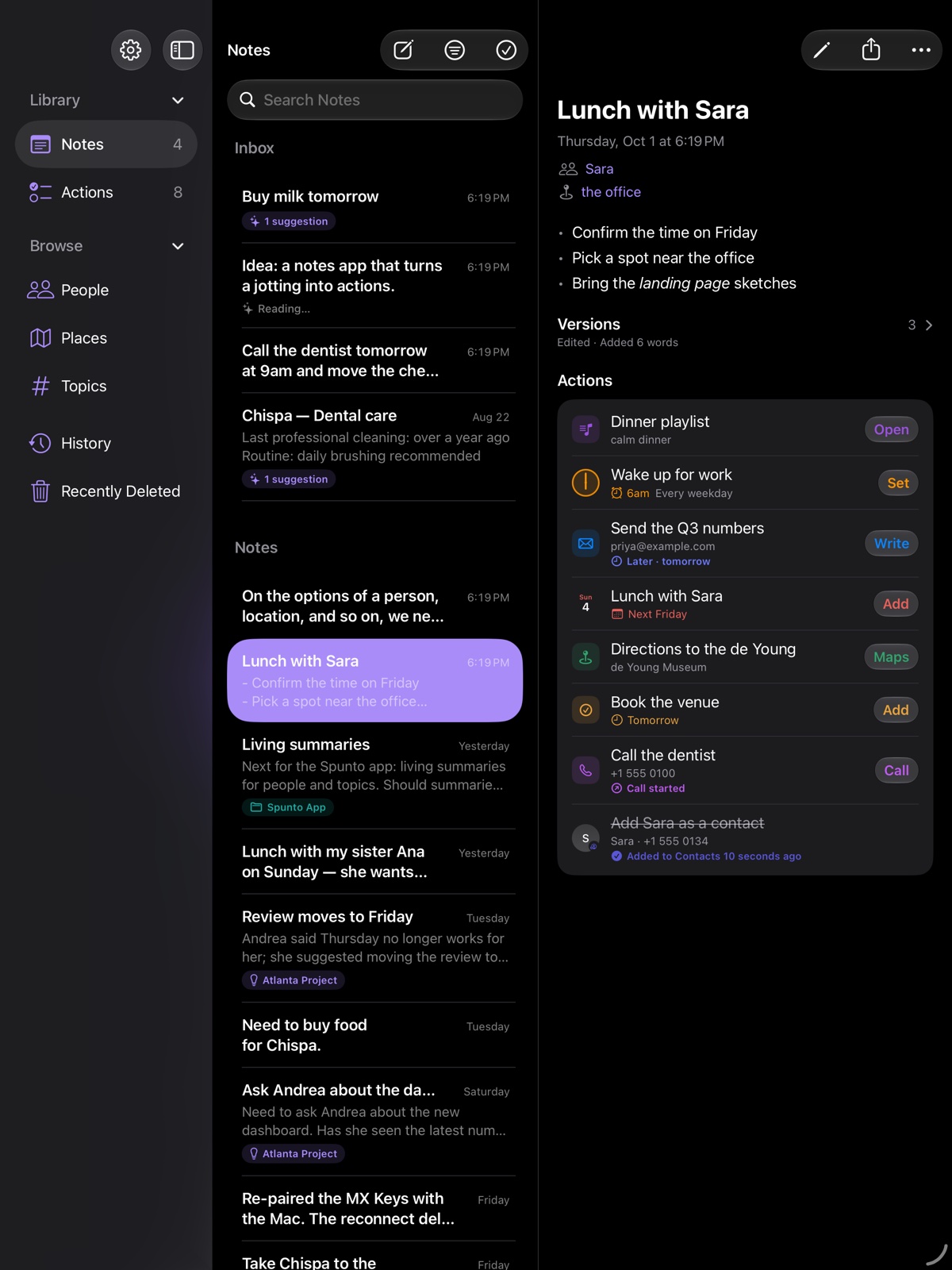
Sidebar, list and note side by side, with room to think.
- Drag a note onto a person or topic to link it. Drop text or a link onto the list to make a note.
- Multiple windows: keep a page open beside the Library.
- Keyboard shortcuts for every place and command.
Mac
A real Mac app: menus, windows, the keyboard, and a menu bar panel for when you’re in the middle of something else.
- The menu bar: write a note or check what’s next without opening a window.
- Services and the Share menu send a selection from any app.
- Quick Look, Dock menu, Spotlight and AppleScript.
- Open any note or page in its own window with a double-click.
Apple Watch
Raise, dictate, done. Your iPhone does the reading.
- Complications for a new note and for what’s next, right on the watch face.
- Done from the wrist: check off actions without reaching for your phone.
- Workouts a note asks for start right here.
Apple Vision Pro
A spatial app, not an iPad window. Notes open as their own windows, wherever you want them.
- Decide in place: suggestions are settled right in the Library, no sheet to open.
- Focus dims the room around the one note you’re thinking about.
- An ornament keeps Library, Actions and Focus within reach.

Built on what your devices already trust.
Spunto doesn’t invent its own reminders or calendar. It writes to Apple’s, so what you keep shows up everywhere you already look.
Try it on the next thing you think of.
Coming soon. Planned pricing: 14 days free, then $14.99 once. No subscription.