Writing about Spunto?
For press enquiries and review access, write through the contact form below.
Fact sheet
- Name
- Spunto
- Developer
- Eduardo Cedillo Martinez, Mexico City
- Platforms
- iPhone, iPad, Mac, Apple Watch, Apple Vision Pro
- Requirements
- iOS 27, iPadOS 27, macOS 27, watchOS 26, visionOS 27. Apple Intelligence for reading notes.
- Price
- 14-day trial. One purchase covers iPhone, iPad, Mac and Vision Pro, with Apple Watch included. No subscription.
- Regular price
- USD 14.99 · MXN 199
- Release
- Release date to be confirmed.
- App languages
- English, Spanish, Brazilian Portuguese, French, German, Japanese and Simplified Chinese.
- Processing
- Apple’s Private Cloud Compute, with the on-device model as backup. Sync through your own iCloud.
- Availability
- App Store
- Contact
- Contact form
Prices will be confirmed at release.
In one sentence
Spunto is the notes app that organizes itself, with useful reminders, events and message drafts ready when you need them.
In a paragraph
Write a note and get on with your day. Spunto uses Apple Intelligence to bring related notes together by person, place and topic. Return to a subject for its notes and a summary with links to the originals. Add photos and files, ask questions about your notes, or restore earlier versions of your writing. Notes sync through your own iCloud. Processing uses Private Cloud Compute when available, with the on-device model as backup.
Connects with Reminders, Calendar, Mail, Messages, Contacts, Maps, Music and Shortcuts, with system alarms and timers on iPhone and iPad. Capture and access notes through widgets, Siri, the share sheet and Apple Watch.
Find notes despite a small typo, keep shared references with their source, use hashtags to connect a new note to a subject, and revisit notes on a map. Name a song and artist to play it or add it to your Apple Music library.
Ask requires Private Cloud Compute. If you turn Private Cloud Compute off, Spunto stops writing summaries.
Icon and screenshots

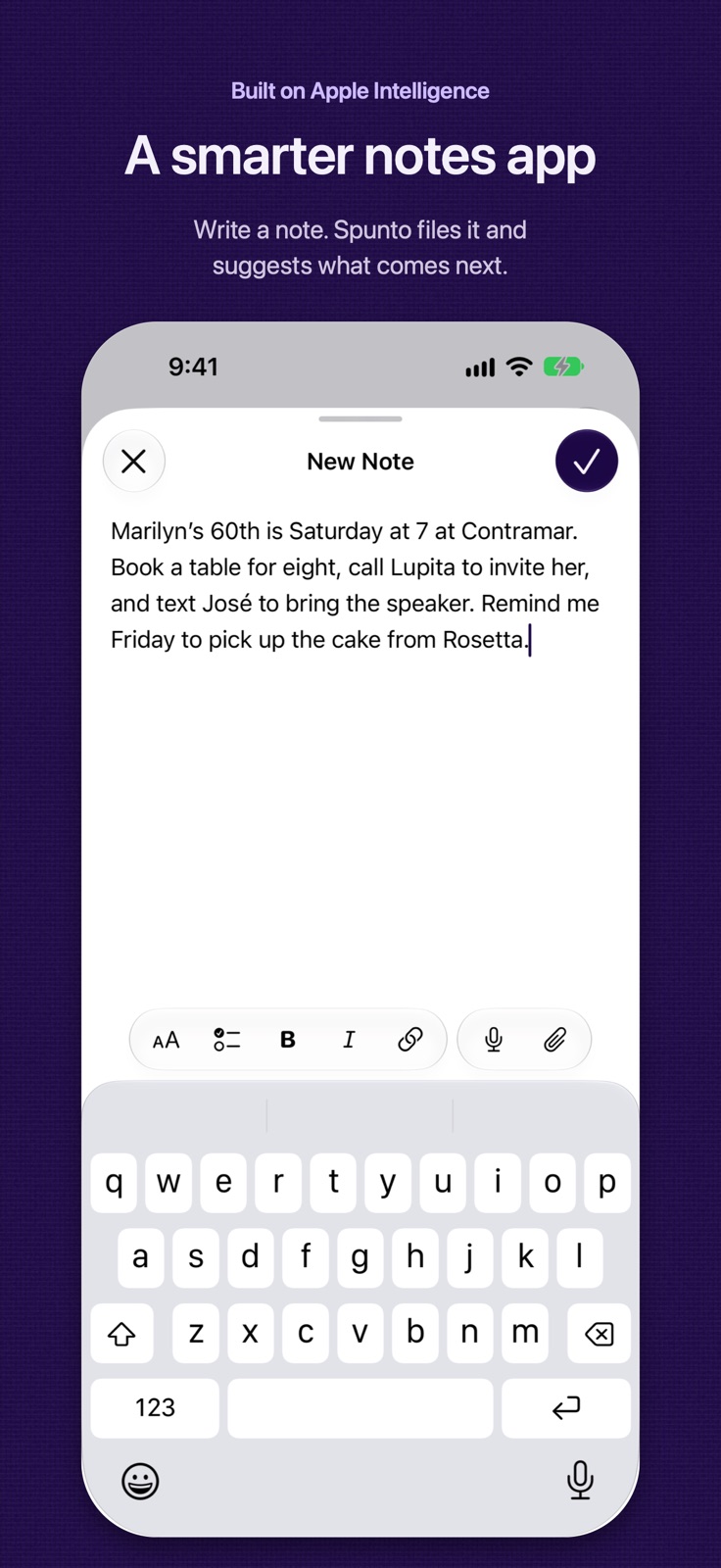
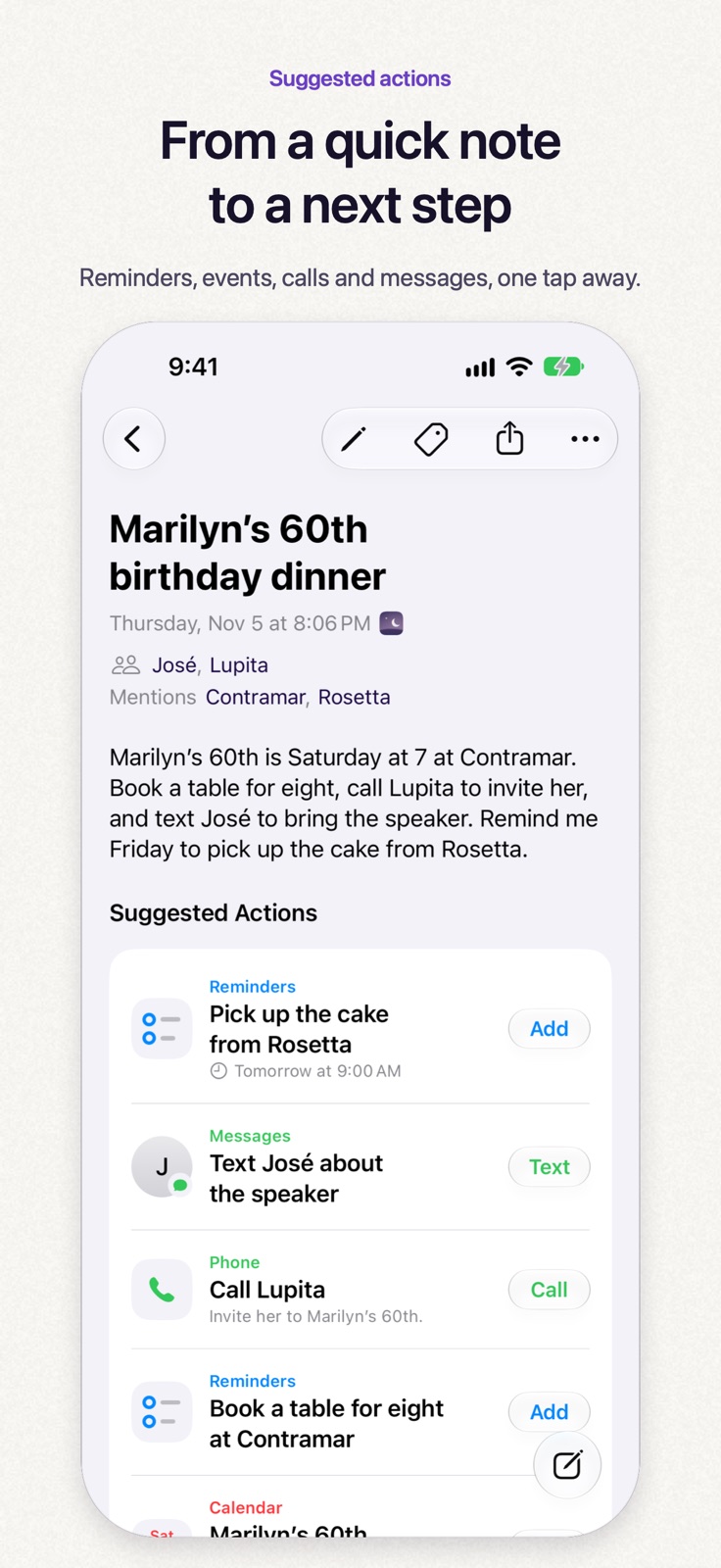
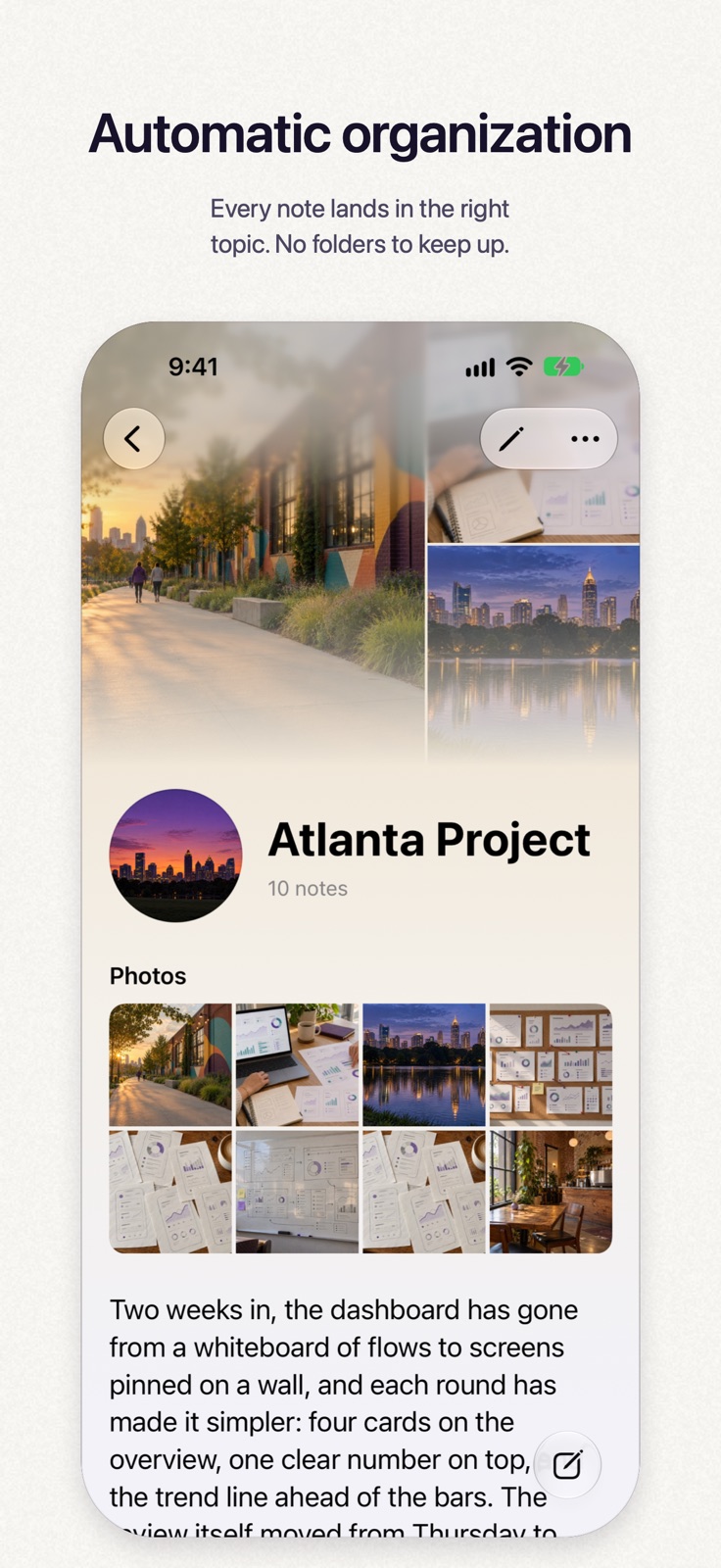
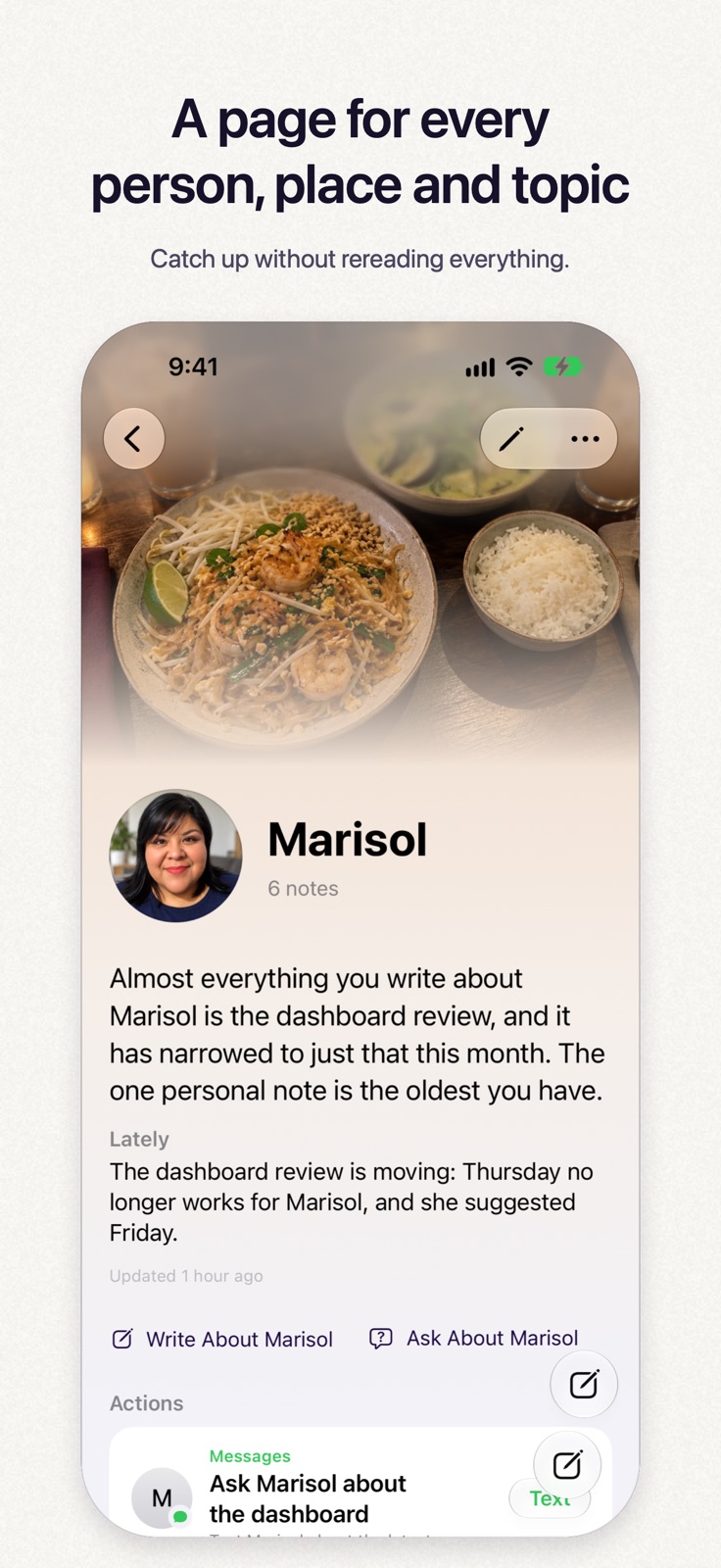
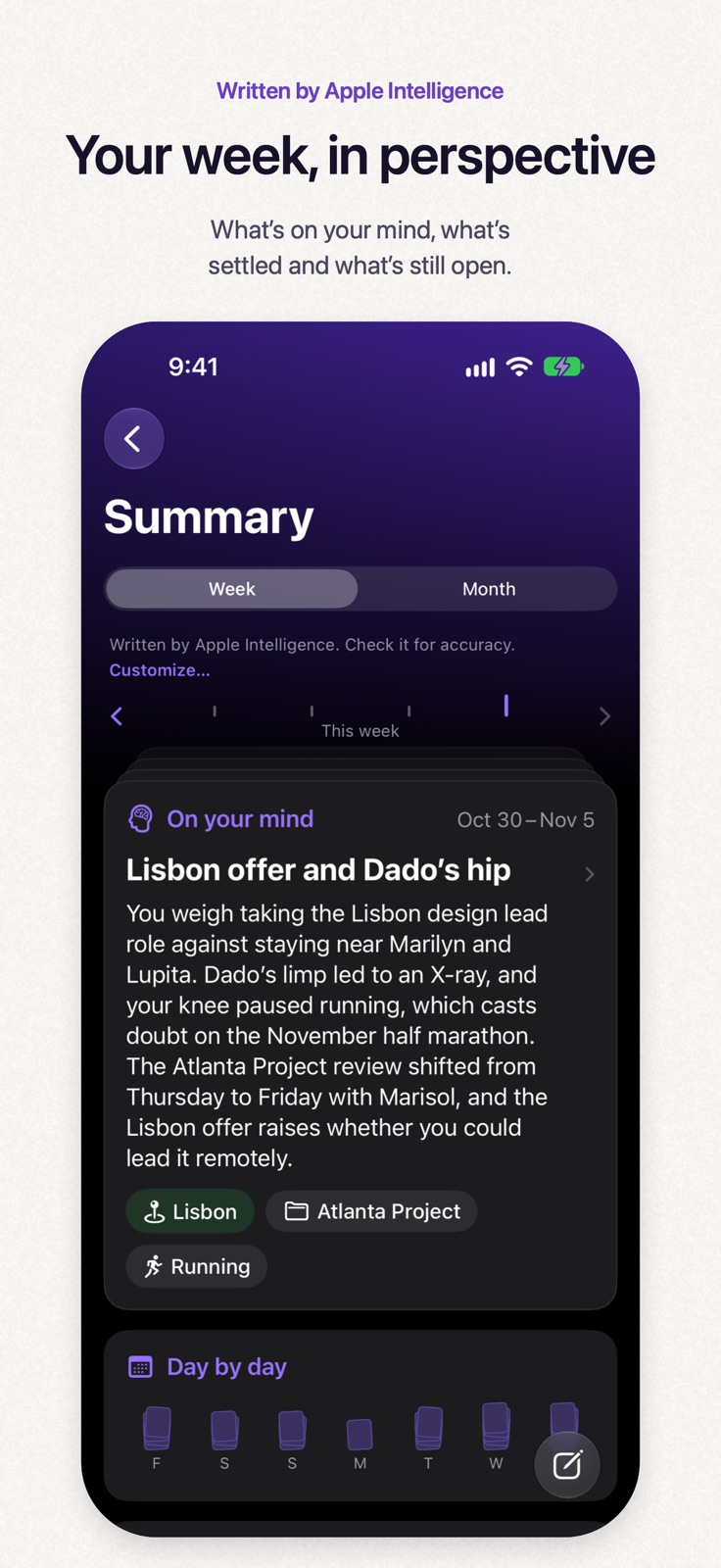
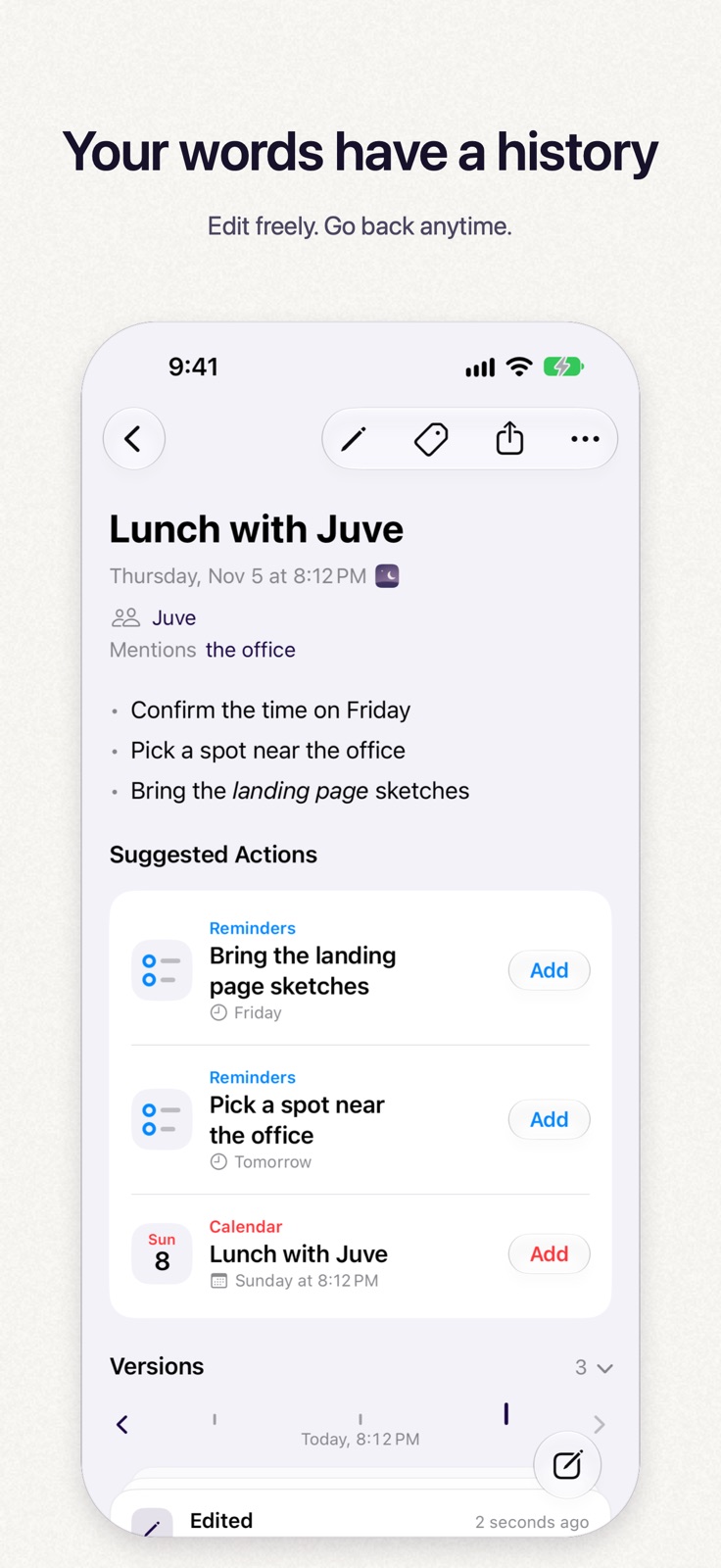
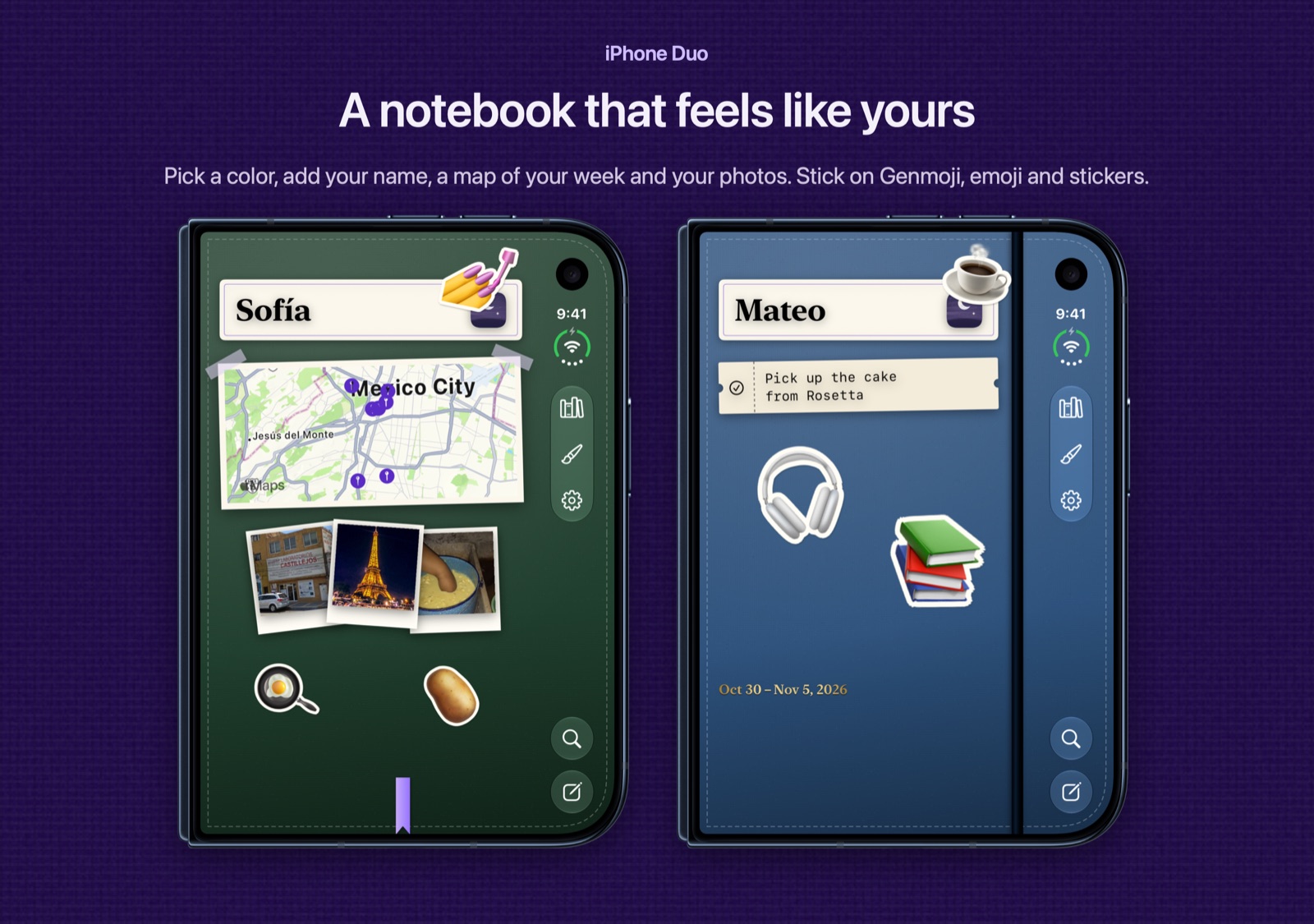
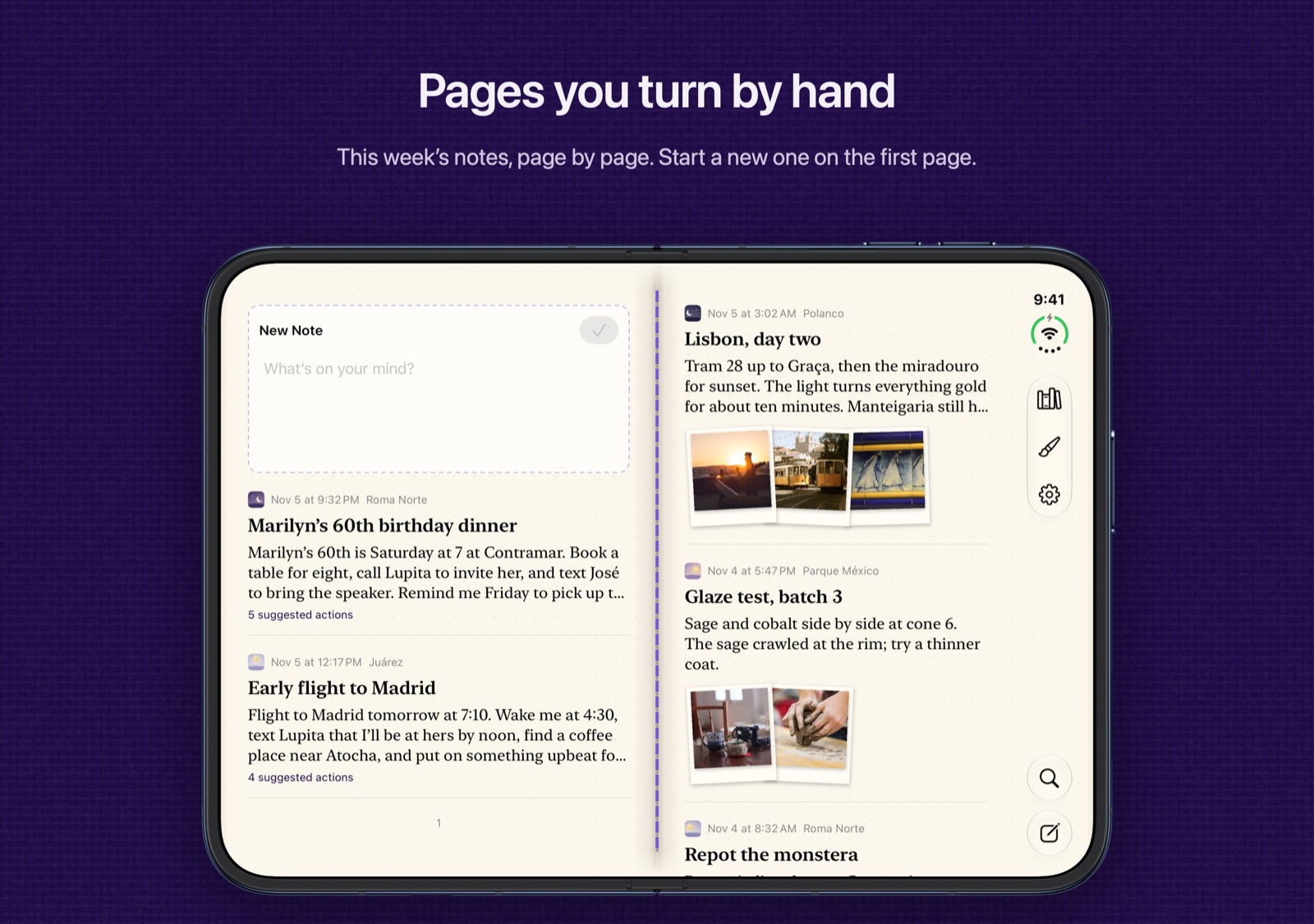

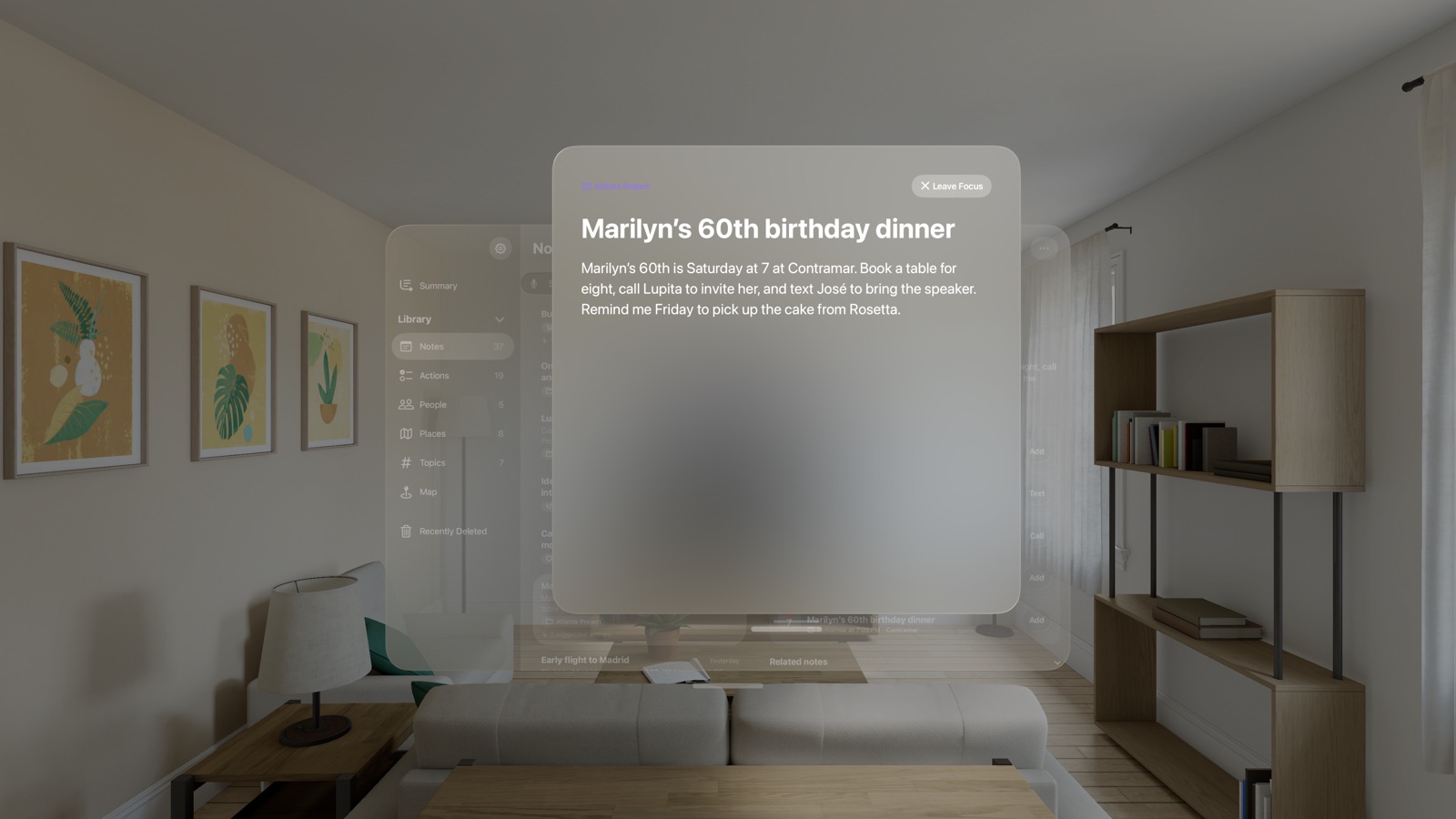
Screenshots use sample notes. iPhone Duo images are from the simulator. Some editions show screenshots in English.
Please don’t alter the icon, crop it into another shape, or place it on a busy background.